How to optimise your Google Business Profile for more visibility
A Google Business Profile is free advertising most businesses ignore. Learn how to optimise yours for more visibility.
Your Google Business Profile is free advertising that most businesses set up once and forget about.
Here's how to optimise it so more customers actually find you:
First up: How to create a Google Business Profile
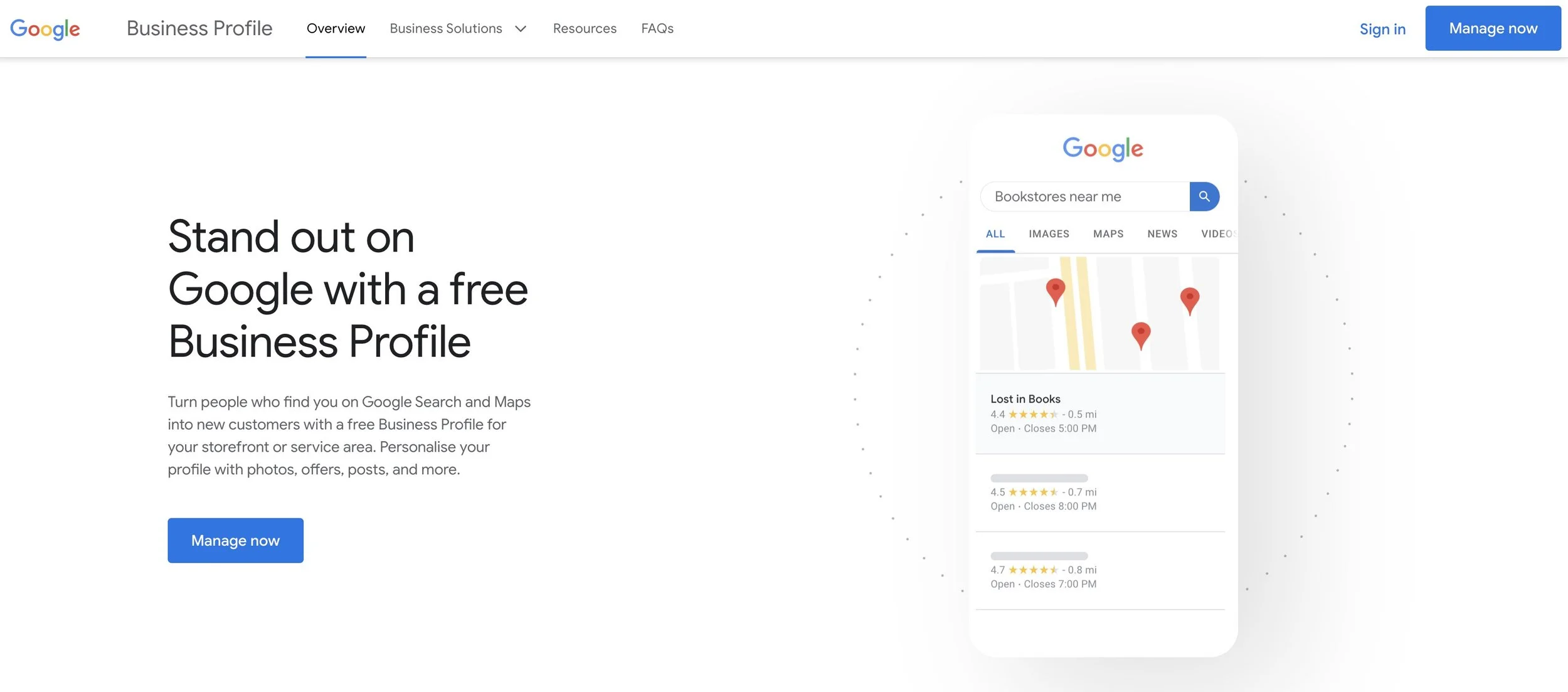
Go to Google.com/business and click on "Manage now" to start the process of creating your business profile.
Sign in to your Google account or create a new one if you don't have one.
Enter your business name and address. If your business is already on Google Maps, it may be automatically suggested.
Verify your business by either receiving a postcard with a verification code or by phone or email.
Once your business is verified, you can add additional information to your profile such as phone number, website, and categories.
Add photos of your business, including a profile picture, cover photo, and additional pictures of your products or services.
Make sure to keep your business information up-to-date, respond to customer reviews, and use insights to track how your profile is performing.
How to optimise your Google Business Profile for more visibility
It's important to start optimising your Google Business Profile as soon as you are verified.
1. Ensure you've filled in all of the key business information inputs.
These include: your business name, address, phone number, website, and hours of operation. Make sure you don't have any duplicate profiles for the same location ,as this will confuse Google and customers.
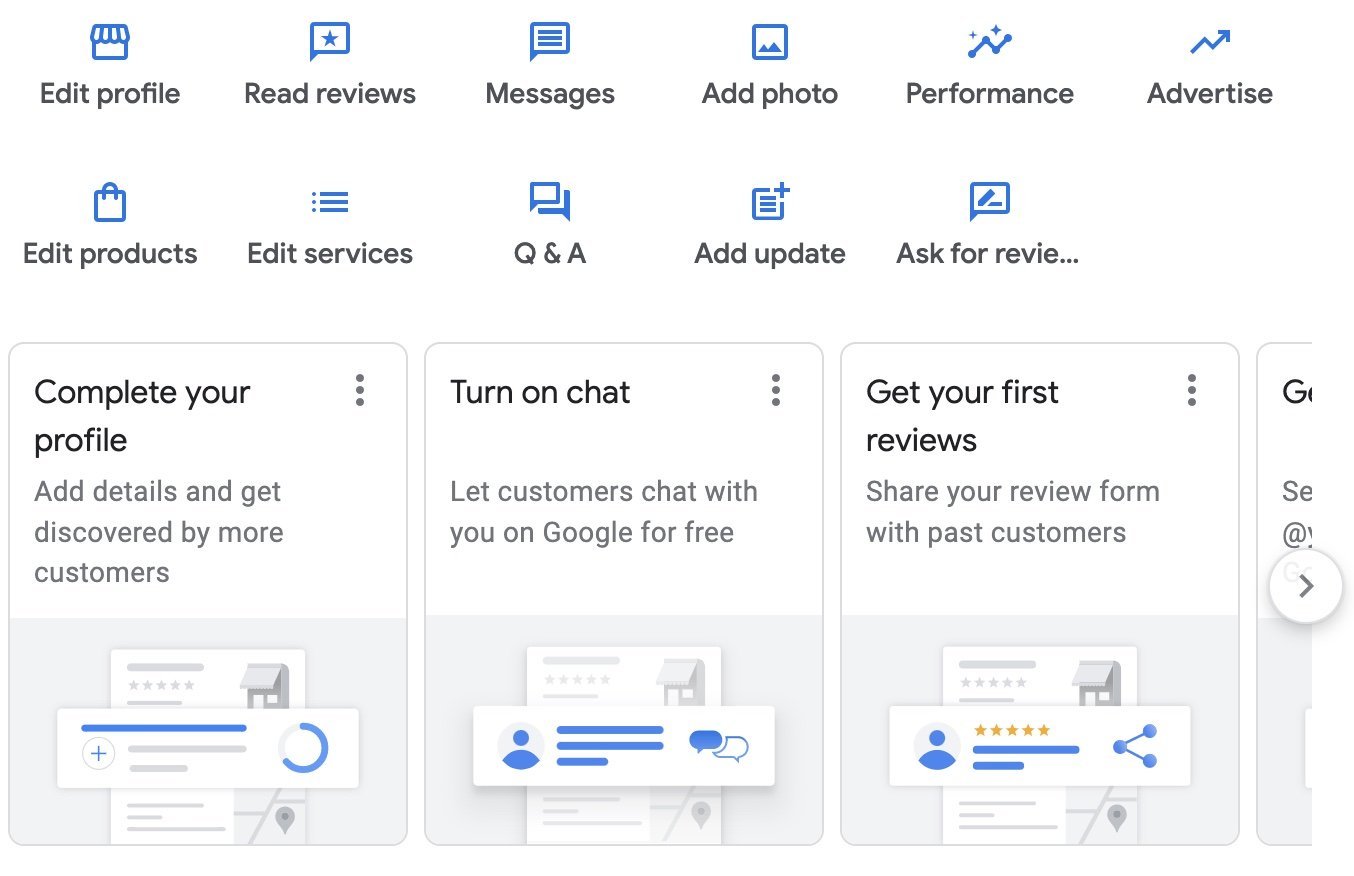
2. Use relevant keywords in your business name and categories
This will help customers find your business when they search for related products or services. If you're serving a local suburb, make sure you include your location as a phrase in your description. e.g. "Cafe in Annerley", as this is what people are searching for.
You can amplify these keywords by creating regular Posts to your Google Profile. Posts are seen on your Profile in Google when people search for your business. They're a quick and easy way to inform customers about updates or products directly from Search.

3. Add professional photos of your business
This includes a high resolution logo, a cover photo, and additional pictures of your products, services, location and team members. This will help customers get a sense of what your business looks like, who they might be working with, and what it is you offer.

4. Invite customers to leave a review and respond to all reviews
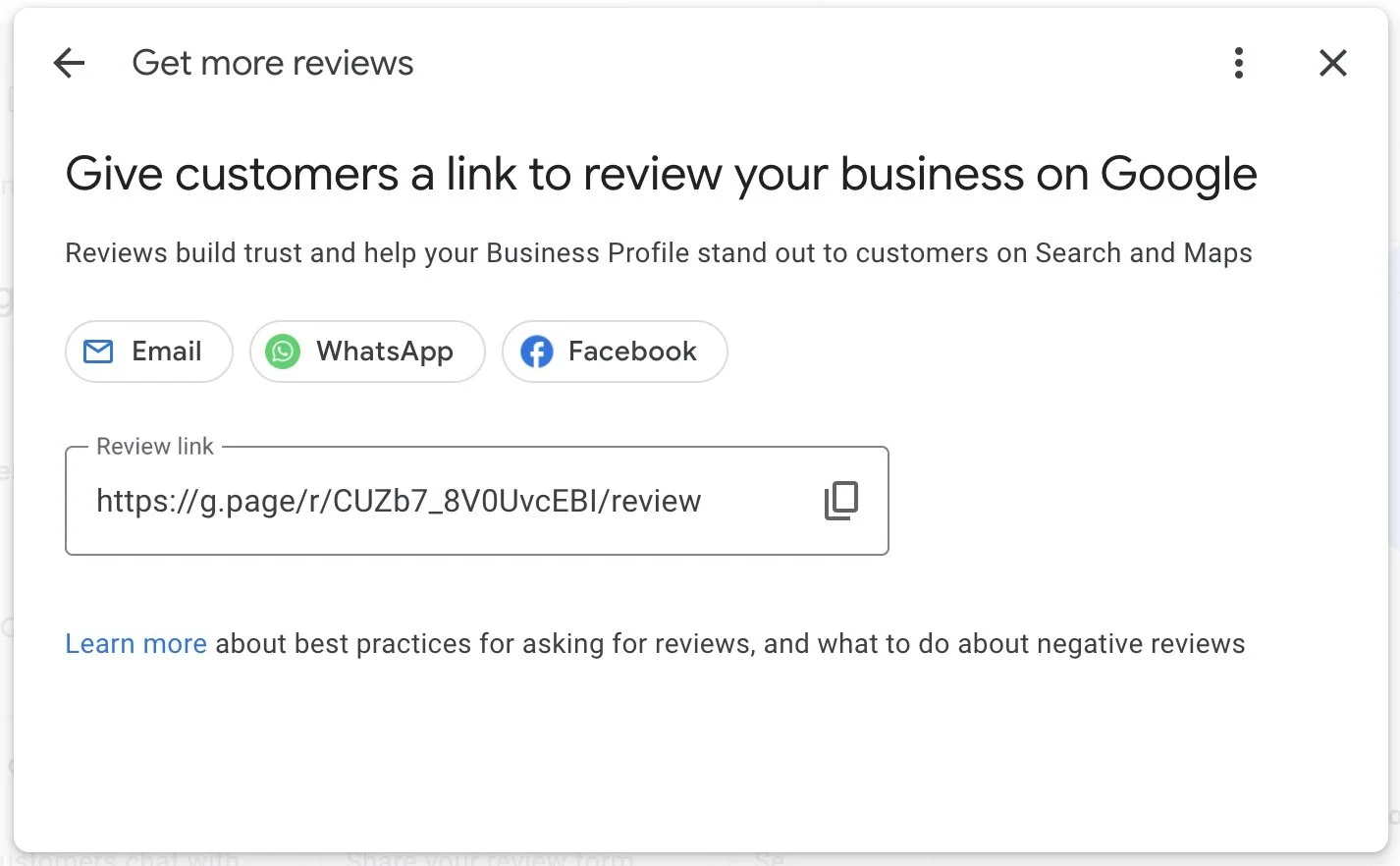
Reviews are a fast way to build trust with customers and they help your profile stand out. You can invite customers to leave a review using your unique profile share link. If you're not sure how to ask customers for a review, read: How to get great testimonials from your customers.
Responding to reviews shows that you value feedback and are actively engaged with your customers.
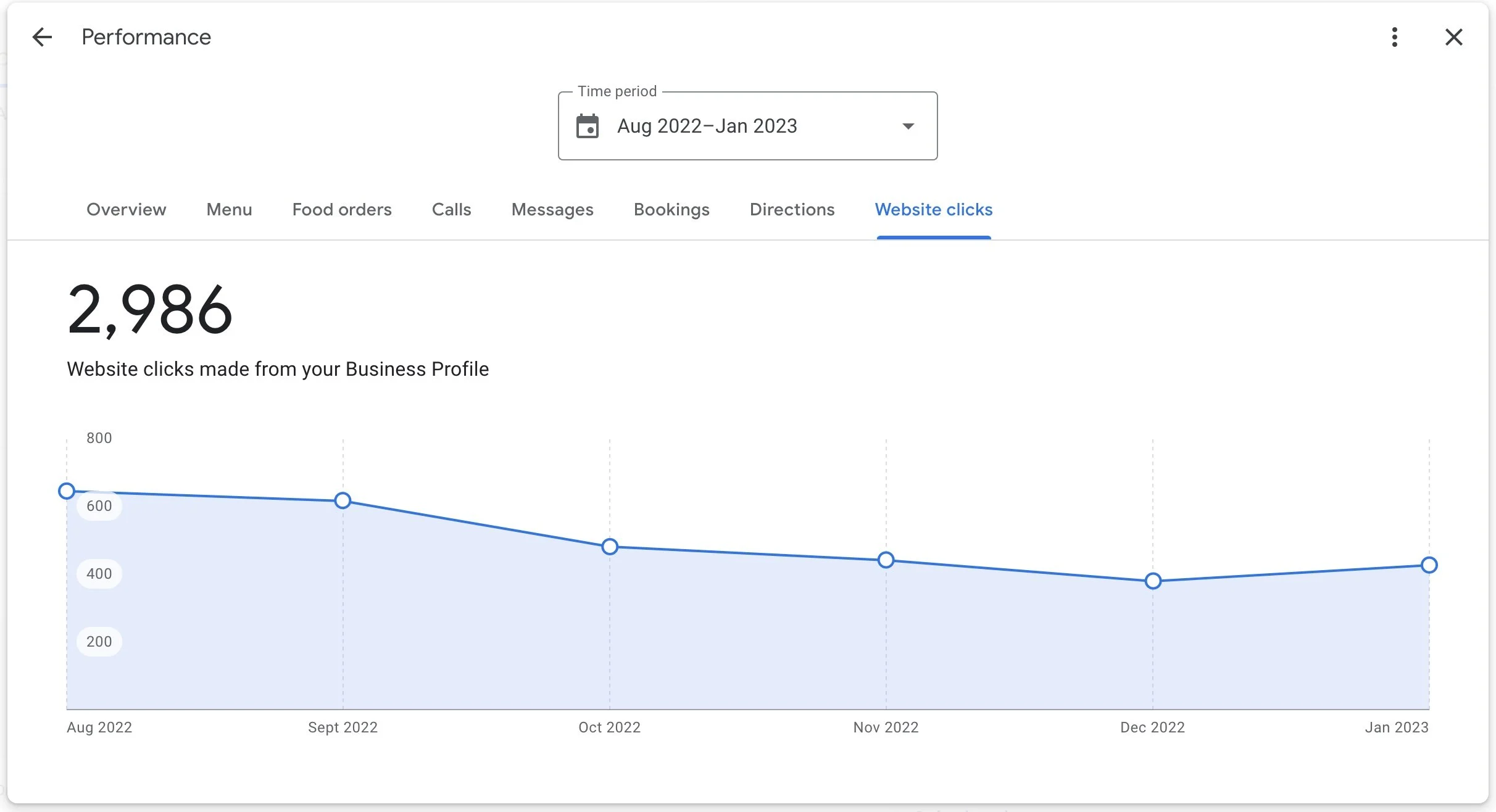
5. Use the Google My Business Insights feature to track your profile performance
This will give you valuable information on how customers are interacting with your business online and how you can improve your online presence. You can find this by either visiting www.google.com/business and click ‘Manage Now’, or simple Google Search your business name while logged into Google as a profile administrator and click on ‘Performance’.
Written by Lachlan Nicolson
Want more business and leadership insights? Subscribe to our Community.